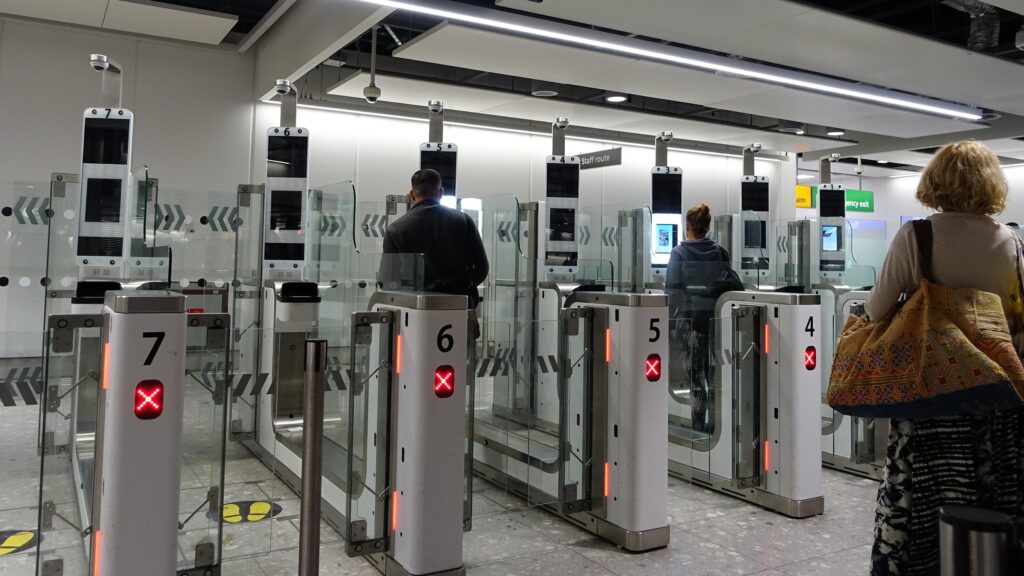
A little‑known airport security rule is catching out UK travellers — including those flying with TUI, easyJet, Jet2, British Airways and Ryanair.
It’s surprisingly simple: your electronic devices must be able to switch on when asked. If they can’t, security officers are legally allowed to confiscate them, and in some cases you may even be refused boarding.
The rule isn’t new, but it’s being enforced more consistently as part of tightened global security measures. According to UK government guidance, “If your device does not switch on when requested, you will not be allowed to take it onto the aircraft.”
Why this rule exists
Security teams need to confirm that laptops, tablets, phones and power banks are genuine functioning devices – not hollowed‑out shells or modified electronics. A flat battery prevents that check, so the item is treated as a potential risk.
What happens if your device won’t turn on
Depending on the airport and airline, you may be asked to:
- Place the device in checked luggage (only possible if you haven’t checked your bags yet)
- Leave the device behind with airport lost property for later collection
- Rebook onto a later flight to give you time to recharge (BA warns this may incur a fee)
Some airlines including Jet2 and easyJet also prohibit damaged batteries entirely, meaning cracked, swollen or leaking devices cannot fly under any circumstances.
What business travellers should do
1. Charge everything before you leave for the airport. Phones, laptops, tablets, e‑readers, headphones, power banks — if it has a battery, charge it.
2. Keep devices switched on until you board. TUI specifically advises keeping phones powered on in case of additional checks at the gate.
3. Don’t drain your battery during connections. BA warns that charging points can be limited, and you may need an adapter. Save your battery for security checks.
4. Check your devices for damage. If a battery looks swollen, cracked or faulty, Jet2 will not allow it on board at all.
5. Carry a small power bank — but make sure it’s allowed. Power banks must go in hand luggage, not checked bags, and must be in good condition.
What this means for frequent flyers
For business travellers who rely on devices for boarding passes, presentations, emails and entertainment, this rule can be more than an inconvenience – it can derail an entire trip. A dead phone at security could mean losing your device, missing your flight or paying to rebook.
The simplest solution is also the most effective: travel with fully charged devices and a working power bank, and avoid using up battery life before you clear security.